Getting Started in Pimple Pop Clinic
Your first hour owning a wildly satisfying Roblox pop clinic.
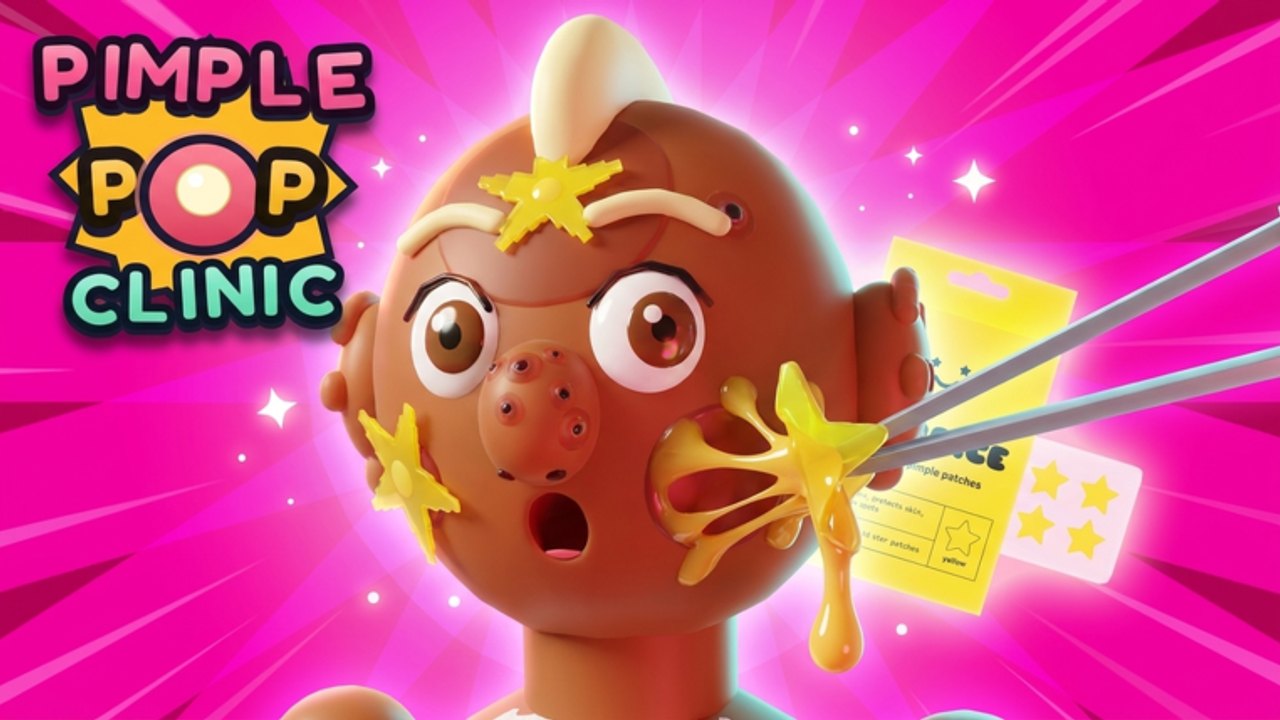
Welcome to Pimple Pop Clinic—the Roblox simulation / incremental experience from Injusted inc. where you run a clinic, pop pimples for progress, fill a Pimple-Dex, collect pets, and decorate multiple floors. This getting-started guide keeps day-one decisions clean so you feel the ASMR fantasy without wasting early cash.
The live title branding highlights Pets + Zenith, which already tells you what late-game flex looks like. You do not need Celestial pets or Zenith pops on minute five. You need a stable loop, a tidy first room, and a plan.
Before you press Play
- Open the official place from the Links Hub so you are on the real experience (Universe ID 10773124191).
- Join with a stable connection—phone, tablet, PC, or console all work through Roblox.
- Optionally join the Injusted inc. group for shouts about patches and future gifts.
- Skim Codes: there are no confirmed working codes yet, but you should know where the redeem UI might appear.
- Bookmark How to Play for controls detail after this onboarding pass.
Minute 0–10: learn the clinic desk
Finish every tutorial prompt. Early UI gates often hide the full shop, pet panel, or decoration tools until you complete a few guided pops. Treat the first patients slowly. The genre sells satisfying timing—rushing past the tutorial is how people miss the Codes button or Dex tracker later.
Goals for the first ten minutes:
- Successfully treat several basic patients
- Understand where cash lands after a pop
- Notice any Dex / collection indicators
- Locate settings, shop, and social menus without panic
If a developer explainer video helps you visualize the fantasy, use the embed on this page—then return to your own clinic and repeat the motions yourself.
Minute 10–25: first meaningful upgrades
Spend cash on upgrades that make every future patient faster or more rewarding. Avoid blowing the wallet on pure cosmetics before you can handle a steady patient flow. Decoration matters—friends can visit as patients and will see your rooms—but an empty economy looks worse than a plain lobby.
Practical early priorities:
- Throughput upgrades (faster treat / more patients)
- Cash multipliers that scale with normal pops
- Quality-of-life UI unlocks
- One small decoration that clarifies movement paths
- Pet system unlock when the game offers it—not before you understand cash
Cross-check spending ideas with the Tools Hub session planner so you do not improvise every visit.
Minute 25–40: meet the collection hooks
Pimple Pop Clinic hooks long-term play with two collectors’ brains:
- Pimple-Dex / rarity hunting — everyday zits fund you; silly targets like Bubblegum Zits and Glitter Bombs spice sessions; Zenith sits at the rare ceiling. Preview rankings on Pimple Rarities.
- Pets — up to 35 pets across Common→Celestial style bands. Read Pets Guide before dumping savings into eggs.
During your first long session, log which rarities you actually saw. That personal sample beats copying a stranger’s screenshot from a different patch (Updates).
Co-op etiquette from day one
Servers support up to eight players. Friends may join as patients while you host. On day one:
- Tell friends you are still learning menus
- Ask them not to spam trade scams or script ads (Scripts)
- Give a quick tour even if only floor one exists
- Share this guide or the Guides Hub instead of typing a novel in chat
Social proof helps retention. Visits and favorites already climbed high after the 26 October 2026 launch; your clinic benefits when newcomers feel welcomed.
First-week roadmap
| Day focus | Do this | Read next |
|---|---|---|
| Day 1 | Tutorial + cash upgrades | This page + How to Play |
| Day 2 | Dex awareness + silly zit recognition | Pimple Rarities |
| Day 3 | Pet unlock & Common foundations | Pets Guide, Pets Tier List |
| Day 4 | Furniture with purpose | Clinic Decoration |
| Day 5 | Patch check + planner | Updates, Tools |
| Day 6–7 | Invite friends, refine loop | Players |
Mistakes to avoid early
- Invented codes from random images—verify on Codes only.
- Executors promising auto pop—account risk outlined on Scripts.
- Skipping B-tier patients to force Zenith immediately.
- Buying every furniture piece with no pathing plan across the eventual three floors.
- Ignoring pets until “later” and then overspending in a panic.
- Trusting outdated tier screenshots after a Pets + Zenith patch week.
How this guide fits the wiki
Getting Started is your onboarding spine. Mechanical depth continues in How to Play. Optimization lives under Tier List. Community energy sits on Players. Official destinations stay on Links.
When the clinic finally feels natural—pop, cash, upgrade, peek at Dex, peek at pets, place one decoration—you have graduated. Push into mid-game goals without losing the satisfying pace that makes Pimple Pop Clinic different from generic simulators.
Keep the first hour kind to your future self: clean upgrades, honest information, and a lobby you are proud to show a friend.
Frequently Asked Questions
Quick answers about codes, pets, Zenith Zits, and clinic setup.
Is Pimple Pop Clinic free to play?
Yes. It is a free-to-play Roblox experience. Optional purchases may exist, but you can learn the full loop without them.
What should I buy first?
Throughput and cash upgrades before heavy cosmetics. See spending order above and refine with How to Play.
When do pets and Zenith matter?
Pets unlock as you progress—start with Common foundations. Zenith is a rare late fantasy; learn recognition early via Pimple Rarities.
Are there beginner codes?
No working codes are confirmed yet. Watch Codes and official group shouts after updates.
Can friends help me learn?
Yes—up to eight players, and friends can visit as patients. Share this guide and keep scams out of chat (Scripts).